By Nick Gelling
Product Test Journalist | Kaipūrongo Whakamātautau Hautaonga
When you watch football, you don’t need it to look moody or dramatic. For all the talk about “the beautiful game”, you’re not experiencing art. You just want to see exactly what happens on the pitch, as clearly as possible.
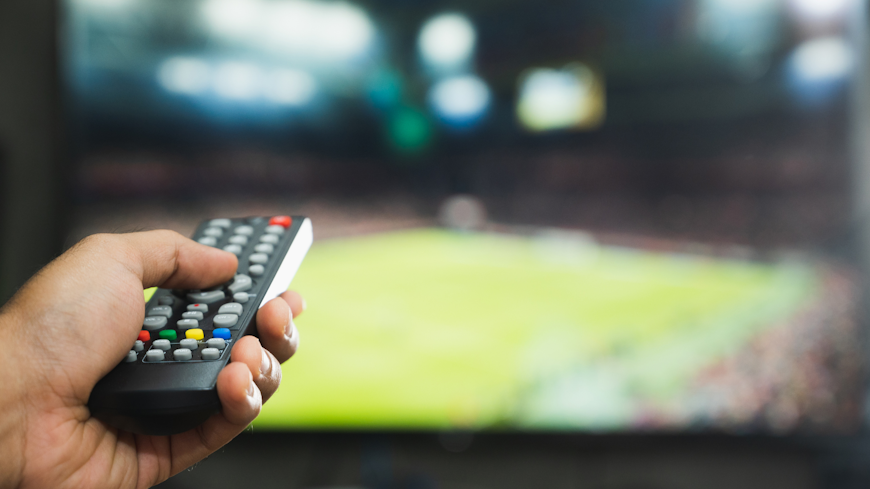
That’s why the best TV settings for watching sport are different from the best settings for watching films or most other TV. And, if football isn’t your thing, these tips also work for rugby, cricket or any other sport where small objects move quickly.
Change the picture mode
Picture modes let you radically change your TV picture quickly, without having to tweak individual settings like contrast and brightness.
Many TVs have a dedicated sport mode, which cranks up settings like brightness and colour saturation to the max. There’ll also be a similar mode labelled something like dynamic or vivid. These modes all make the big game into a spectacle, but we think they look artificial and over-the-top.
For watching sport, we recommend going with a normal or standard mode instead. These modes are more realistic, while still being bright and providing clear contrast between team kits.
We usually suggest leaving your TV on movie or filmmaker mode, because they’re most accurate when it comes to colour and lighting. However, sport is the exception – it doesn’t usually suit the cinematic look.
Turn on motion smoothing
First, a warning. This advice only applies for sport! We usually advise the exact opposite.
Motion smoothing adds extra frames into the video playing on your TV, artificially increasing its frame rate by guessing at what might happen between each frame of the broadcast. It makes movement less blurry and feels more like you’re actually there in person.
For film and TV, that’s bad because it strips away the Hollywood magic. But for sport, feeling like you’re in the stadium is exactly what you want.
Motion smoothing can be difficult to find in your picture settings. It goes by different names for different brands of TV. For example:
LG: TruMotion
Samsung: Auto Motion Plus or Picture Clarity
Sony: Motionflow
TCL: Action Smoothing
Hisense: Motion Enhancement, Motion Clearness or MEMC
Panasonic: IFC (for intelligent frame creation)
Just, please, remember to turn motion smoothing off once the tournament is over (unless you’re a year-round sports nut).
Need a new TV?
Is your streaming service wasted on a TV with a grainy picture and muddy audio? We can help with that, too. Check out our reviews of 43 TVs to find one that does your favourite shows justice.
How to watch FIFA World Cup 2026
There are 104 matches in the World Cup, across 48 teams.
TVNZ has the rights to broadcast the tournament in New Zealand.
Overall, 22 games will be broadcast for free on TVNZ 1, including every All Whites game and the grand final.
On the TVNZ+ service, the same 22 matches will be free to stream on demand, as well as an extra 11 games, giving a total coverage of 33 matches.
To watch the remaining 71 matches, you’ll need to pay $45 for a TVNZ+ event pass for the tournament.
New Zealand’s first game is on Tuesday 16 June, and the knockout phase begins on 29 June.