By Bryan Wall
Product Test Journalist | Kaipūrongo Whakamātautau Hautaonga
It seems everything is getting the smart treatment nowadays, and it’s easy to assume that buying smart is the smart choice. But what extra functionality do smart appliances give you, and do you really need any of it? Is it dumb to be smart, or smart to stay dumb?
On this page
- What is a smart appliance?
- Should I buy a smart washing machine?
- The best auto-dosing smart washing machine
- Should I buy a smart dishwasher?
- The best smart dishwasher
- Should I buy a smart fridge?
- The best smart fridge freezer
- The best smart oven
- The best smart cooktop and rangehood combo
- Should I buy a smart heating system?
- The best smart heat pump
- Should I buy smart light bulbs and power plugs?
What is a smart appliance?
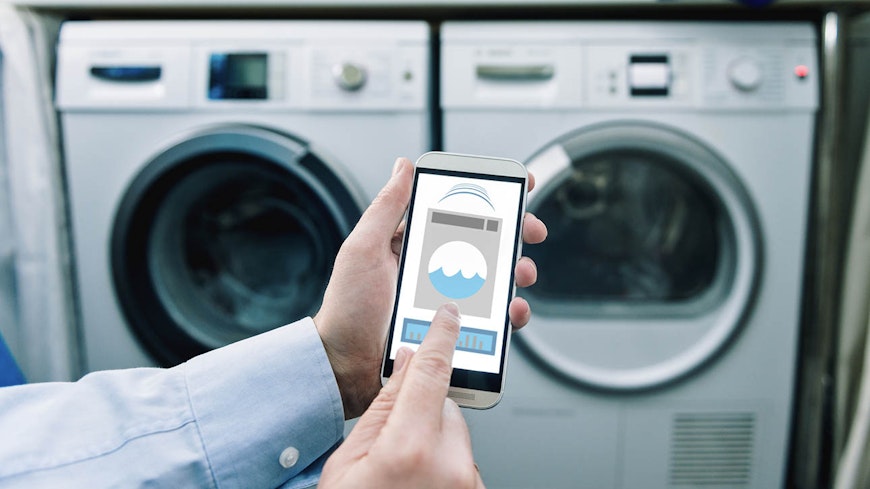
Smart appliances connect to WiFi, so you can control them remotely via an app. Most manufacturers have their own smart “ecosystems” – networks of connected devices and appliances that can all be controlled through a single app. Samsung has SmartThings, LG has ThinQ, Fisher & Paykel has SmartHQ and Bosch uses Home Connect, which connects a range of appliances from Bosch, Neff, Gaggenau and Siemens.
Tying customers into their ecosystem is a clever way for manufacturers to enforce brand loyalty, because many of us don’t want to use four or five different apps for our various appliances. One workaround is using home assistants, such as Amazon Alexa or Google Assistant, which can control appliances from many (but not all) brands, but functionality will be limited compared to the dedicated apps.
Should I buy a smart washing machine?
Smart washing machines may have some of the following added functionality:
Remote starting: To activate remote starting, you’ll need to press a button on the machine every time you load the washer. If you forget, no remote start for you! It’s just as easy to use the delay-start function on the machine, though.
Choosing cycles and settings: All the stuff you can do whilst loading the machine can also be accessed via the app, but why would you bother when you are at the machine anyway?
Notifications: The app can alert you when the washing is finished, if there is a problem with your machine or if it needs a drum clean.
Monitoring: You can use the app to check detergent levels if your machine has auto-dosing (and change dosage amounts, too).
Note: If your smart washing machine is turned off, you won’t be able to access any of these smart functions.
Our verdict on smart washing machines: Not worth the extra cost. But if you must go smart, then make sure you get an auto-dosing model – a feature worth having, as it saves time and money by automatically dispensing the right amount of detergent depending on load size and cycle.
The best auto-dosing smart washing machine
Should I buy a smart dishwasher?
The smart functions for dishwashers are similar to those of washing machines:
Remote starting and cycle setting: Relatively useless, as you can choose a delayed start and set the cycle when loading the machine.
Monitoring: If you’re keeping tabs on water and electricity use, some smart dishwashers will allow you to view this data, which you may find useful.
Notifications: Useful to alert you to any issues or if the cycle has finished.
Our verdict on smart dishwashers: Not particularly useful, but our current top tested dishwasher does happen to have smart connectivity, so you’ll get a great washer even if you don’t use the smart functions.
The best smart dishwasher
Should I buy a smart fridge?
Basic smart WiFi-connected fridges don’t give a huge amount of extra functionality, as a fridge is a relatively simple appliance:
Temperature monitoring and energy usage: Keep an eye on the temperatures in your fridge and freezer to make sure foods are stored optimally, and find out how much it’s really costing you to run.
Alerts: You’ve left the door open (again!). Did you wonder what that incessant beeping was?
However, if you have the budget, Samsung makes smart fridges which are intended to function as a home hub, with a large touchscreen on the door. Connected to Samsung’s SmartThings app, the “Family Hub” range has a much wider range of functions over the basic ones above:
Internal camera: You can view the inside of the fridge on the app – useful if you are at the supermarket and can’t remember if you’ve got any mayo at home.
Food inventory: The camera can recognise more than 30 fresh food types. You can then remotely check what’s in the fridge. If something is removed from the fridge, the inventory will be updated. This can also be used to generate shopping lists and suggest recipes using the food you have left.
Use-by date: You can enter use-by dates and the fridge will alert you when food is near to expiry. This must be done manually, though.
Home hub: The large screen on the door can be used to interact with other smart appliances in your home – washing machines, cooktops, ovens, video doorbells, lighting etc. It also has Spotify and YouTube apps, along with a whiteboard for the kids to draw rude pictures on. You can use the screen to display memos, calendars, shopping lists or pictures or to browse for recipes. Or just watch The Chase on it whilst sautéing your spuds.
Our verdict on smart fridges: If you can afford one and love connected tech, then we can see the benefits of a home hub (although you could also duct tape a large tablet to your current fridge for a similar effect!). Just bear in mind you’ll likely be tied to one brand for all your appliances from then on (at this stage, Samsung). It also remains to be seen how long the software will be supported for, which could be an issue, considering most fridges should last for at least 10 years.
Now, if only there were a smart pantry, too, for non-chilled foods!
The best smart fridge freezer
Should I buy a smart oven?
A smart oven might have some of the following features:
Remote control: Set the oven to warm up on the way home or from a different room.
Internal camera: To remotely keep an eye on your apple crumble’s progress.
Recipe guides: Combined with the correct settings, which are sent to the oven so your meal cooks perfectly.
Voice control: Fisher & Paykel makes an oven with a hands-free door that can be opened via voice control – a gimmick, but quite useful if you’re loading a heavy tray and forgot to open the door first.
Temperature probes: Some connected ovens feature internal temperature probes that can communicate with the app to ensure perfect cooking.
Our verdict on smart ovens: If you’re an avid cook, you probably won’t need the added functions a smart oven provides. However, if you’re the set-and-forget type or often burn your buns, models that will guide you through recipes and control the oven settings automatically may appeal.
The best smart oven
Should I buy a smart cooktop and rangehood?
Smart cooktops offer basic functionality:
Remote control: Control which element is on and at what level. Not very useful, as you need to be at the cooktop all the time while cooking anyway.
Voice control: Control elements using voice commands – useful if your hands are full.
Connection to a rangehood: Possibly the only properly useful feature of a smart cooktop – if it’s connected to a smart rangehood, the rangehood can automatically turn on and adjust its settings depending on what’s cooking.
Bosch supplies a “PerfectCook” sensor with some of its smart cooktops – it’s a magnetic sensor that sticks to your pans and detects the temperature in the pan, then automatically regulates it to ensure perfect cooking and no burning or boil-overs.
Our verdict: Waste of money.
The best smart cooktop and rangehood combo
Should I buy a smart heating system?
Smart connected heating systems can do the following:
Remote control: Allowing you to switch the heating on and off and change settings and temperatures. Switch on the heating before you get home if it’s cold. Check the temperature at home to make sure the cat is warm enough whilst you are away!
Scheduling: Easier to set daily and weekly heating schedules.
Energy monitoring: Keep an eye on how much your heating is costing you.
Alerts: If servicing is required or there are problems.
Geofencing: You can set up the system to turn the heating down or off when you leave your house and back on when you are a certain distance from home (based on your cell phone location).
Our verdict: We think smart heating systems are a great addition to help make for a comfortable home environment.
The best smart heat pump
Should I buy smart light bulbs and power plugs?
OK, technically not appliances, but we like them anyway!
Smart light bulbs allow:
Remote control: Switch on and off, create schedules.
Adjustment: Change brightness and colour.
Geofencing: Turn lights on when close to home.
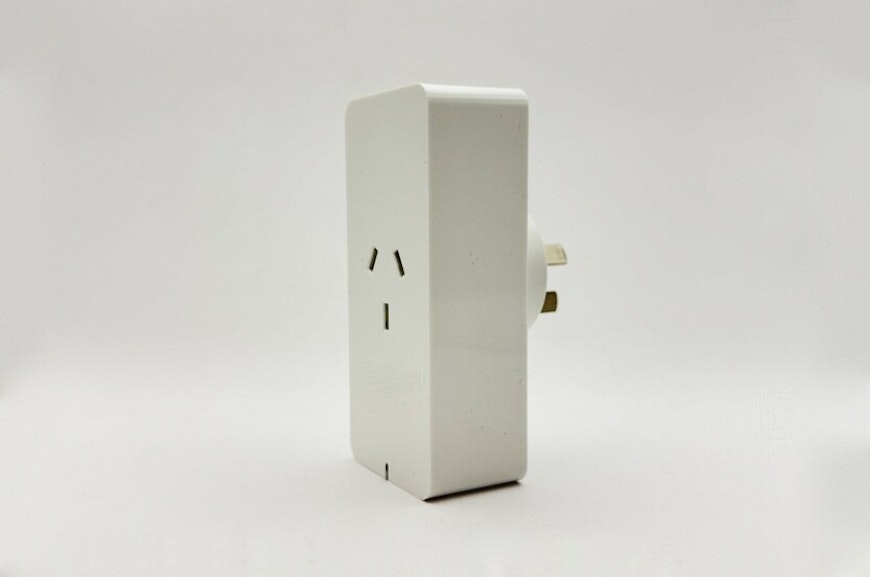
Smart power plugs are a cheap way to add basic smart features to dumb products, such as lamps, fans, TVs, slow cookers and even coffee machines, so you can remotely turn them on and off and set schedules.
Our verdict: We love smart bulbs and power plugs!
Was this page helpful?
Smart plugs – what are they and how can they save you money?
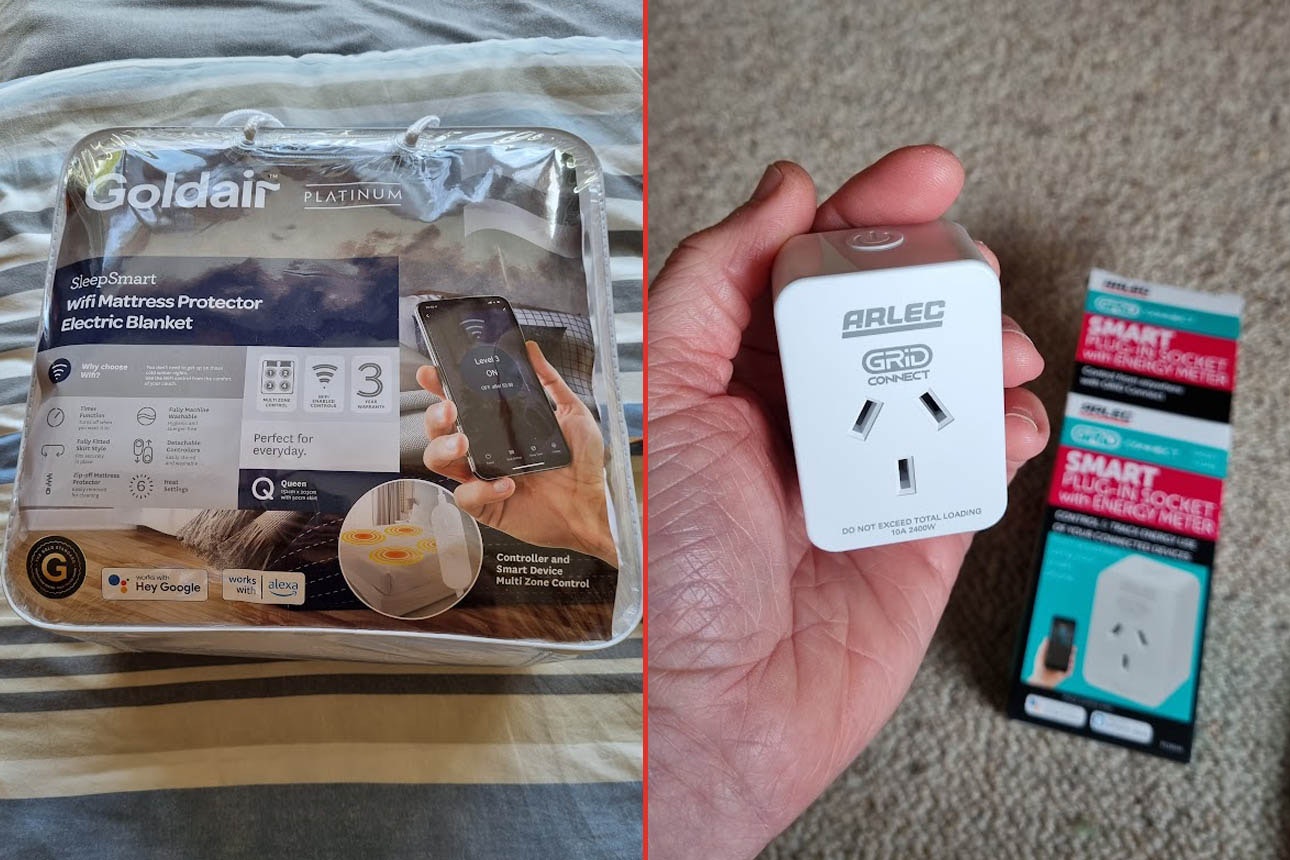
Upgrade your electric blanket: Goldair WiFi vs Arlec smart plug

How to keep your TV smart using a streaming device