An antivirus and security software package can protect you from harmful scams, viruses and more.

Find the best antivirus or security software for your device
Looking for an internet security package? Compare price, brands, protection scores and more to help decide whether you want to install a free antivirus or buy the best security software for your PC.
What you need to know when buying an internet security package
There's more to security than just removing viruses. Antivirus and security software packages include firewalls, password managers and virtual private networks (VPNs). Depending on the type of internet user you are, you may have different needs.
Features to look out for include:
Phishing protection: Online attackers can try to trick you into providing sensitive information like a password through a site or through email. See which security suites offer protection from phishing sites and emails.
Password manager: If you tend to forget your passwords, consider a password manager. It generates complex passwords and stores them in an encrypted database.
Parental controls (content filtering): Find out which security packages let you block certain websites and keywords to protect your children from the vast dangers of the internet.
Other features: Learn about the other features antivirus and security software packages have, such as ad-blocking, ransomware protection and more.
Stay safe on the internet
The internet can be intimidating - especially when there are scams and online viruses that you can fall victim to. Learn how to protect yourself and secure your devices with our top tips.
Top tips for online security
We outline the actions you should take to protect you from viruses and keep your identity safe.
How our scam expert stays safe using online marketplaces
Online marketplaces are risky places to do business, with scams rife and no protection from your bank if you’re scammed. Here are some tips for staying safe when buying or selling online.
Smartphone security: Which phones are supported the longest?
A lack of software support can cut short a phone’s lifespan, even if it’s still functioning perfectly. Different phone brands also have radically divergent approaches to software updates.
What to do if your email account is breached by scammers
Steps to take when you're targeted by cybercriminals, plus advice from an online safety expert.
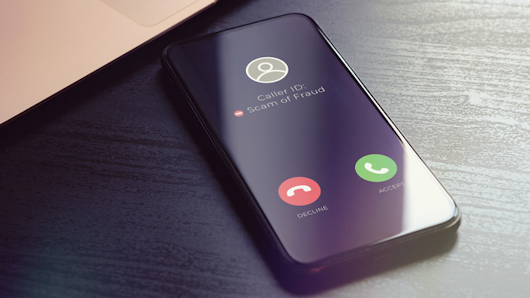
Scams and how to avoid them
Wondering if that email or phone call is a scam? Learn about the most common types of scams and how to protect yourself.
Level up your internet



How we test computer security software
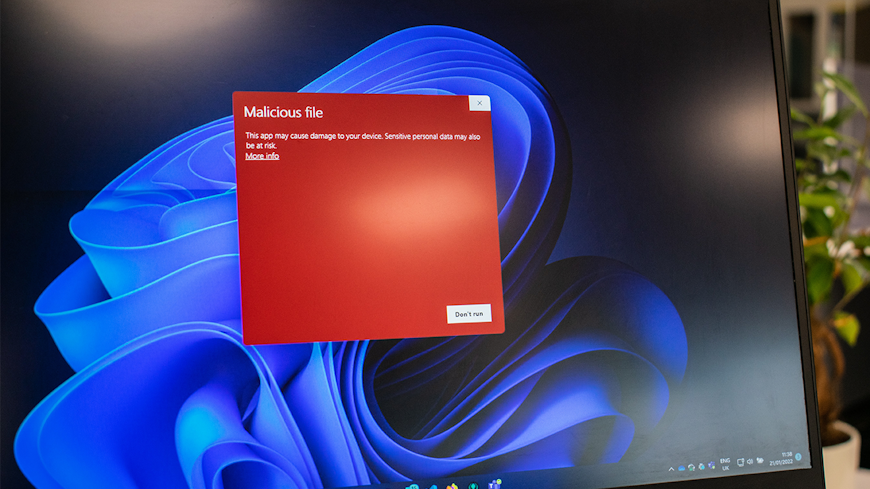
We test a range of free and paid internet security packages to find the best one for your devices.
This involves measuring how well the software protects the laptop or desktop across a range of scenarios, including web tests, USB drive tests, anti-phishing and more.
We also assess ease of use, and measure system impact.