By Bryan Wall
Product Test Journalist | Kaipūrongo Whakamātautau Hautaonga
The robot vac is often referred to as a set-and-forget device, and for the most part it is. Unfortunately, though, these marvels of tech can’t currently clean and service themselves.
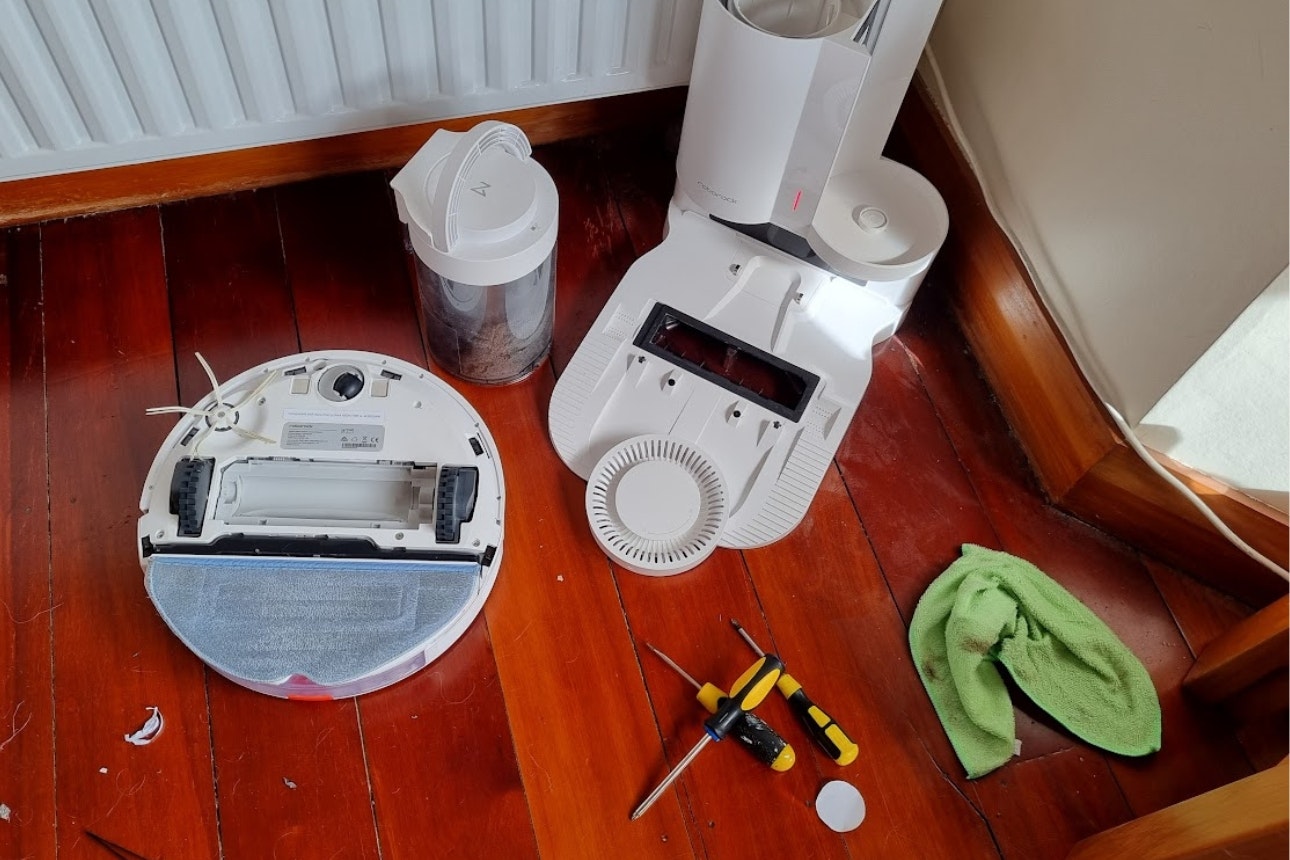
Our Roborock s7+ mid-service
It’s important to pay a bit of care and attention to this extra member of your family when it comes to maintenance, as there’s a lot of tech and moving parts in a bot. Regular maintenance is even more important if you have pets, a long-haired family member, or you’re just a generally dirty bugger.
The tasks and checks required to maintain your bot aren’t particularly arduous (you might even get some pleasure from doing them like I do). Doing them regularly will ensure this expensive piece of tech continues to perform to the best of its ability for as long as possible.
What you’ll need
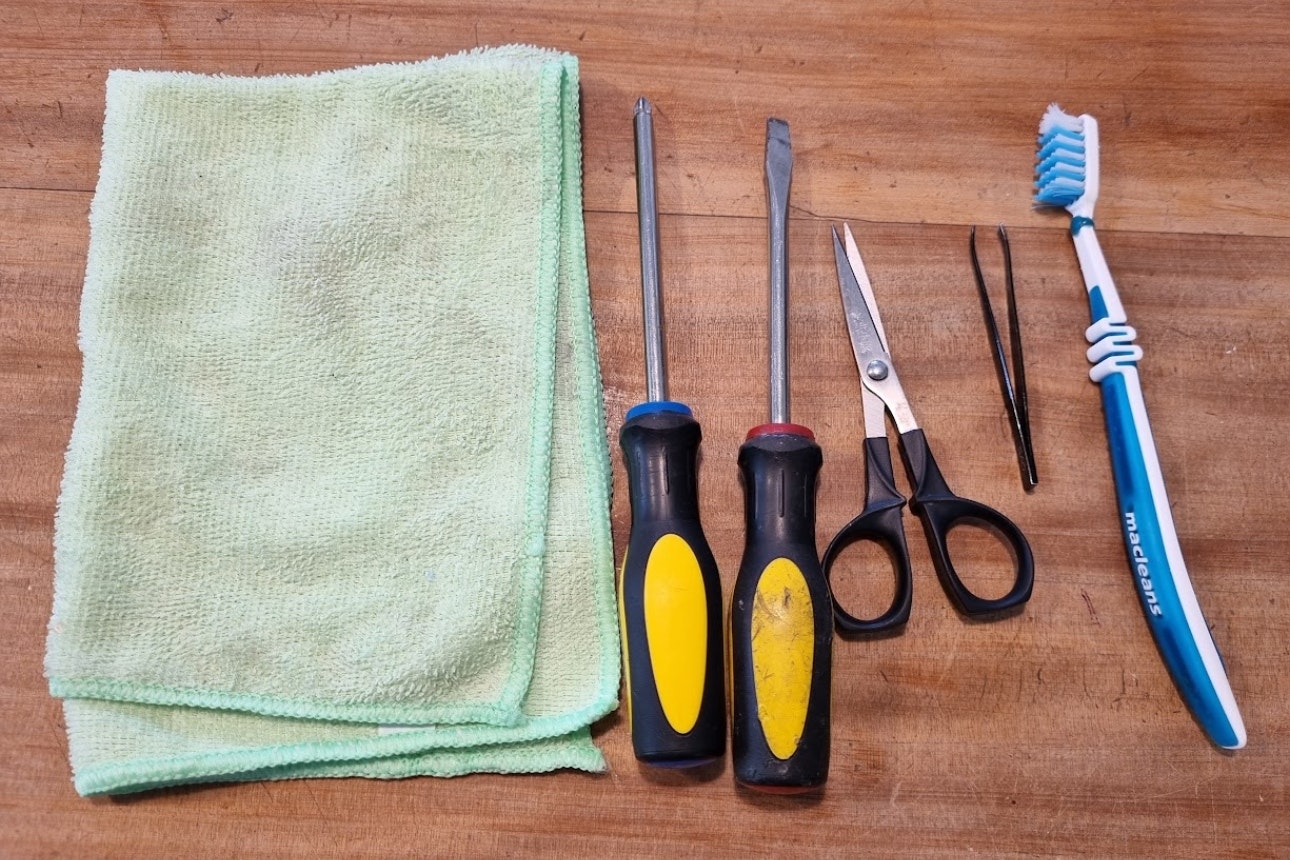
Soft microfibre cloth.
Screwdriver(s).
Scissors or craft knife.
Tweezers.
Small soft brush (sometimes supplied with bot) or toothbrush.
Task frequency
How often you need to perform maintenance tasks will depend on how often your robot is used.
Our recommendations are based on the bot being used to clean every day, but if your unit only goes out once a week, you can increase the intervals between tasks. Recommended intervals will also vary depending on the model and manufacturer of your particular bot, so check the manual!
Daily or after every use
Empty onboard dustbin if it’s not an auto-empty model.
Check wheels and brushes for trapped items.
Empty dirty water tank and refill clean water one, if you have a mop-washing dock.
Weekly
Clean brush rollers and side brushes.
Fortnightly
Check and clean onboard bin filter.
Check and clean all sensors and camera window.
Every 1 to 3 months
Check dock filter and clean if necessary.
Clean onboard bin and dock bin if bagless model.
Check your app for any outstanding tasks or parts that need replacing.
Cleaning your bot
Dustbin
Empty the dustbin after every use. If you have an auto-empty model, you should still remove the onboard bin and give it a wash out every few months, making sure to dry it thoroughly before reinstalling. Check all the vacuum ports are clean and free from blockages at the same time.
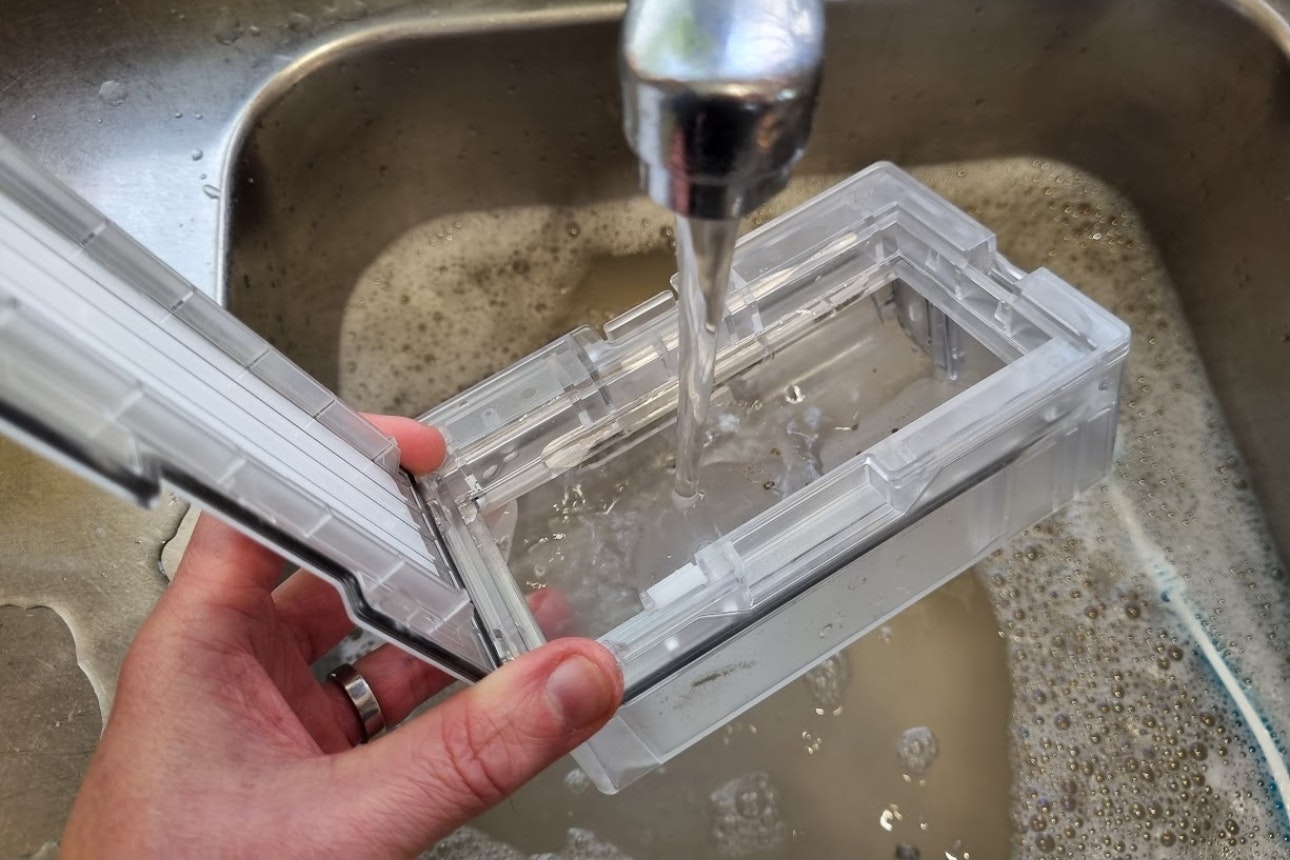
Washing the onboard bin
Filter
The filter usually resides in the bin, so give it a once over while you’re there. If the filter is washable, do so occasionally (Roborock recommends washing the filter on our bot every couple of weeks), but make sure it’s fully dry before popping it back in. The filter will eventually need replacing – your app or manual will tell you when. For our Roborock s7, it’s after 150 hours of use.
Filters that aren’t washable will need to be cleaned using a small soft-bristled brush. Some manufacturers include these. If not, an old toothbrush is a good alternative.
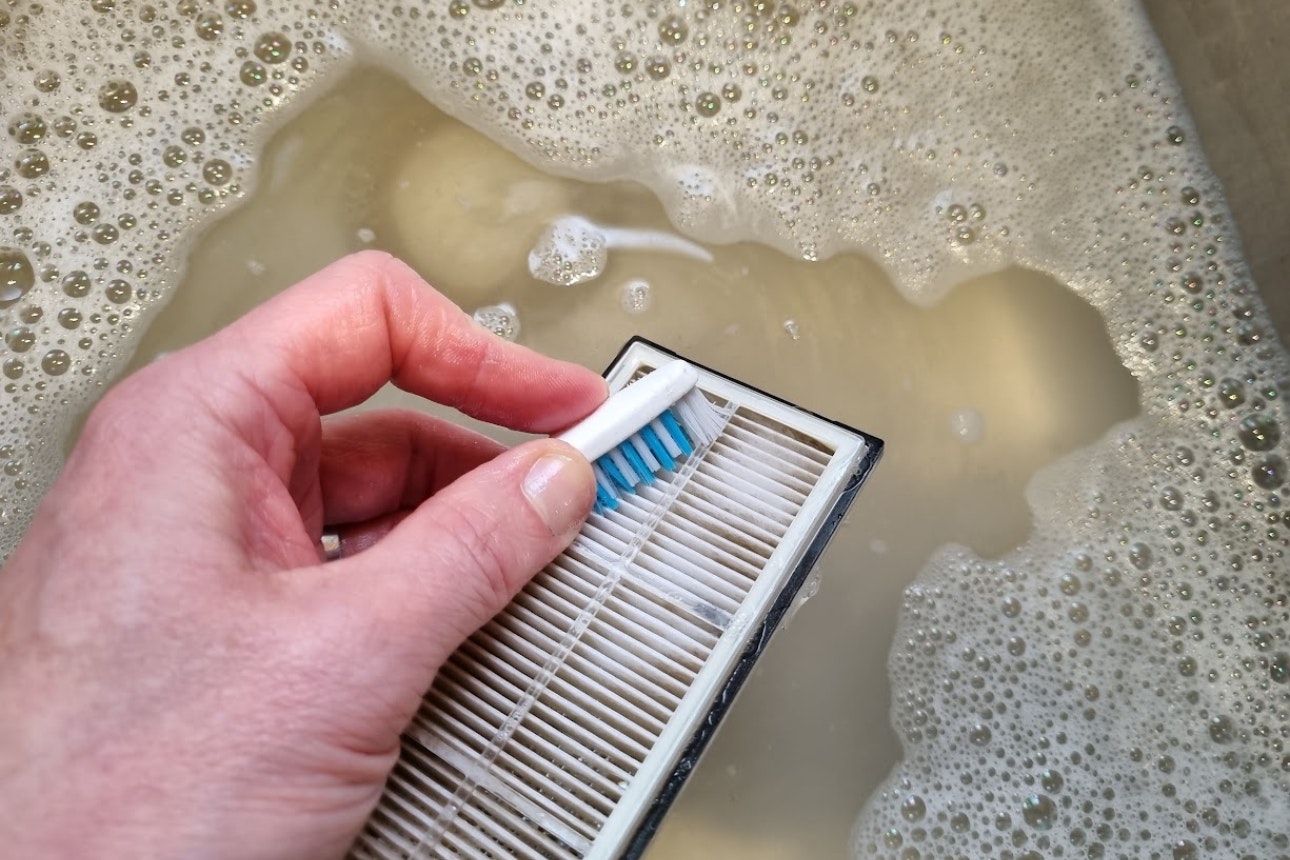
Cleaning the bin filter
Main brush
Every week flip your bot over, check the main roller brush for trapped items, and give it a good dust off with your brush.
You should perform a deeper clean every couple of weeks. Pop out the main brush and remove all the hair and dirt – this is far easier to do once the brush is removed. Tweezers and scissors will come in handy here.
If your bot has a rubber brush, you can wash it in the sink, but if your bot has a more traditional style brush, it can take some time to remove any detritus from the strands.
Wipe out the cavity where the brush sits before replacing.
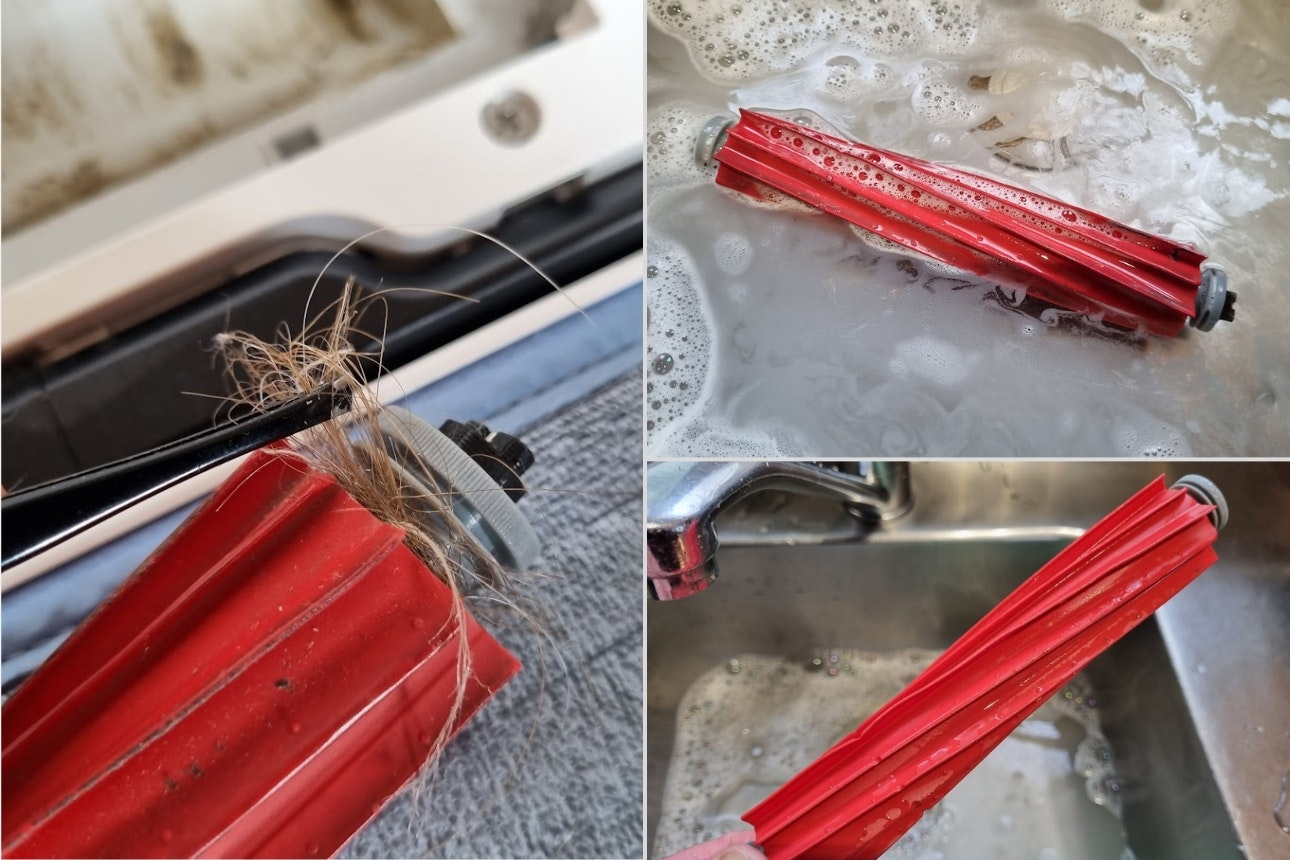
Cleaning the main brush
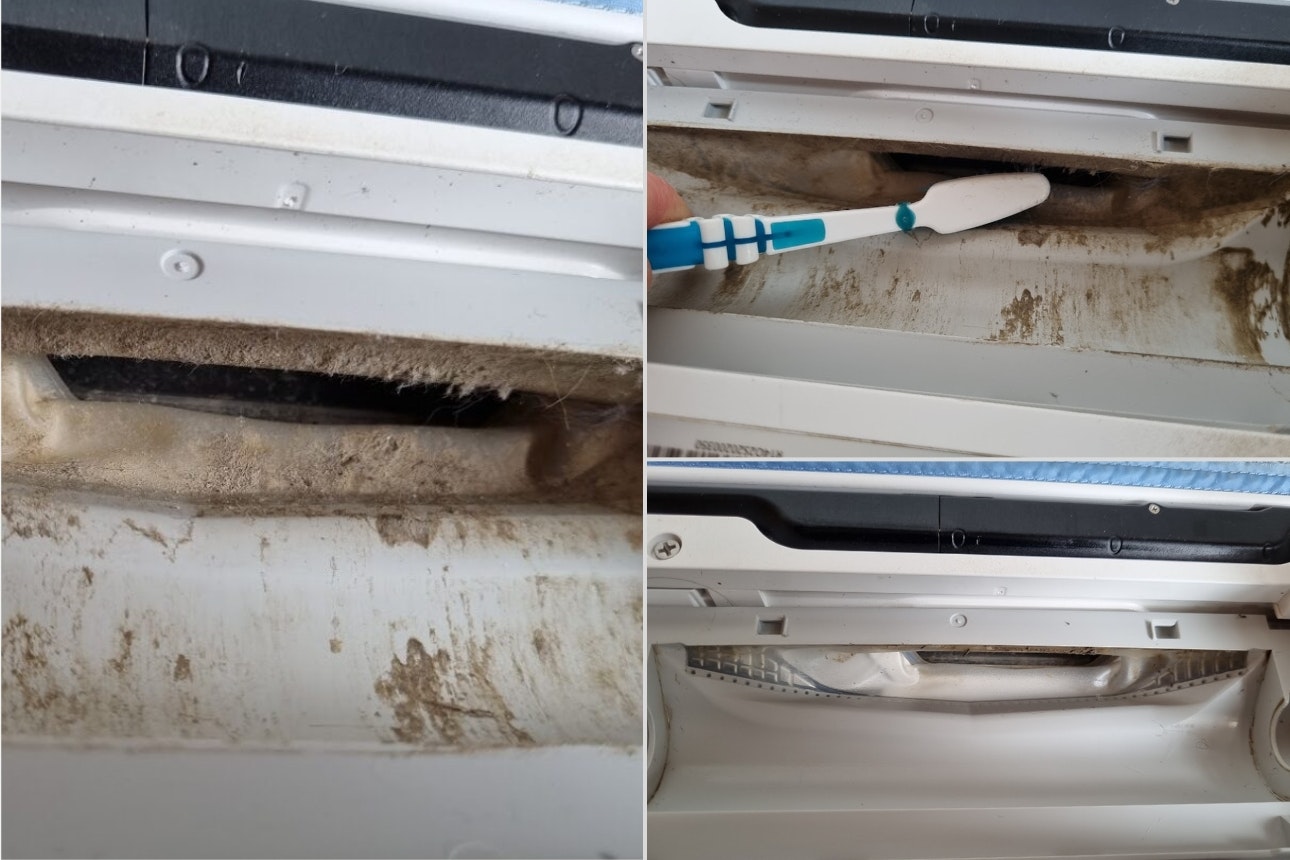
Cleaning the vacuum opening
Side brush(es)
The side “swisher” brushes on bots often get tangled with hair, so check them after every clean. Often, you’ll need to remove the brushes to get tangled hair off, so a screwdriver may be necessary, although some side brushes just clip on and off.
Damaged or bent brushes should be replaced, or you’ll find your edges aren’t getting cleaned. Roborock tells us to replace our brushes after 200 hours of use.
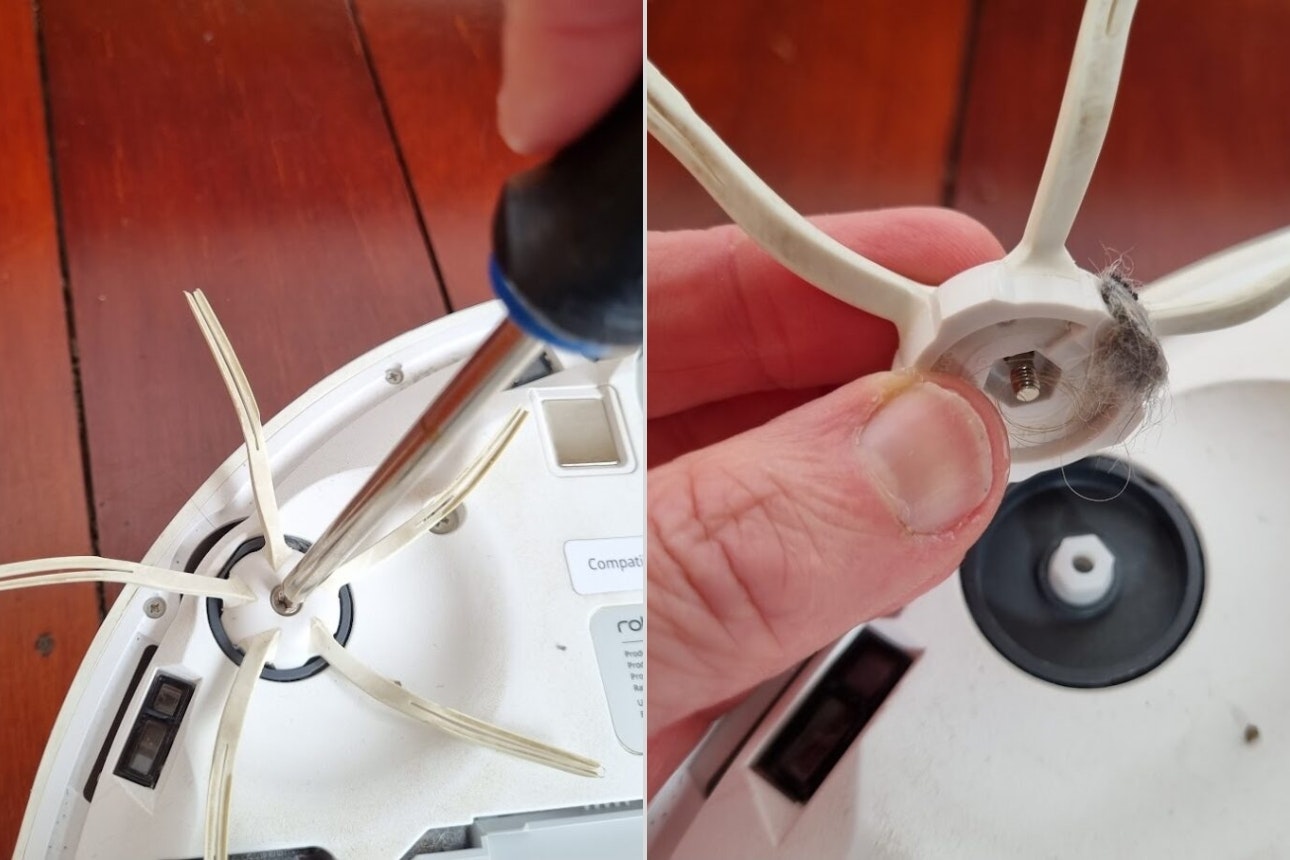
Left: Removing side brush / Right: Trapped dust and dirt
Wheels
Check and clean around your bot’s wheels regularly, removing any hair that may be wrapped around the spindles with tweezers and scissors. Front caster wheels can often be popped out for easier cleaning.
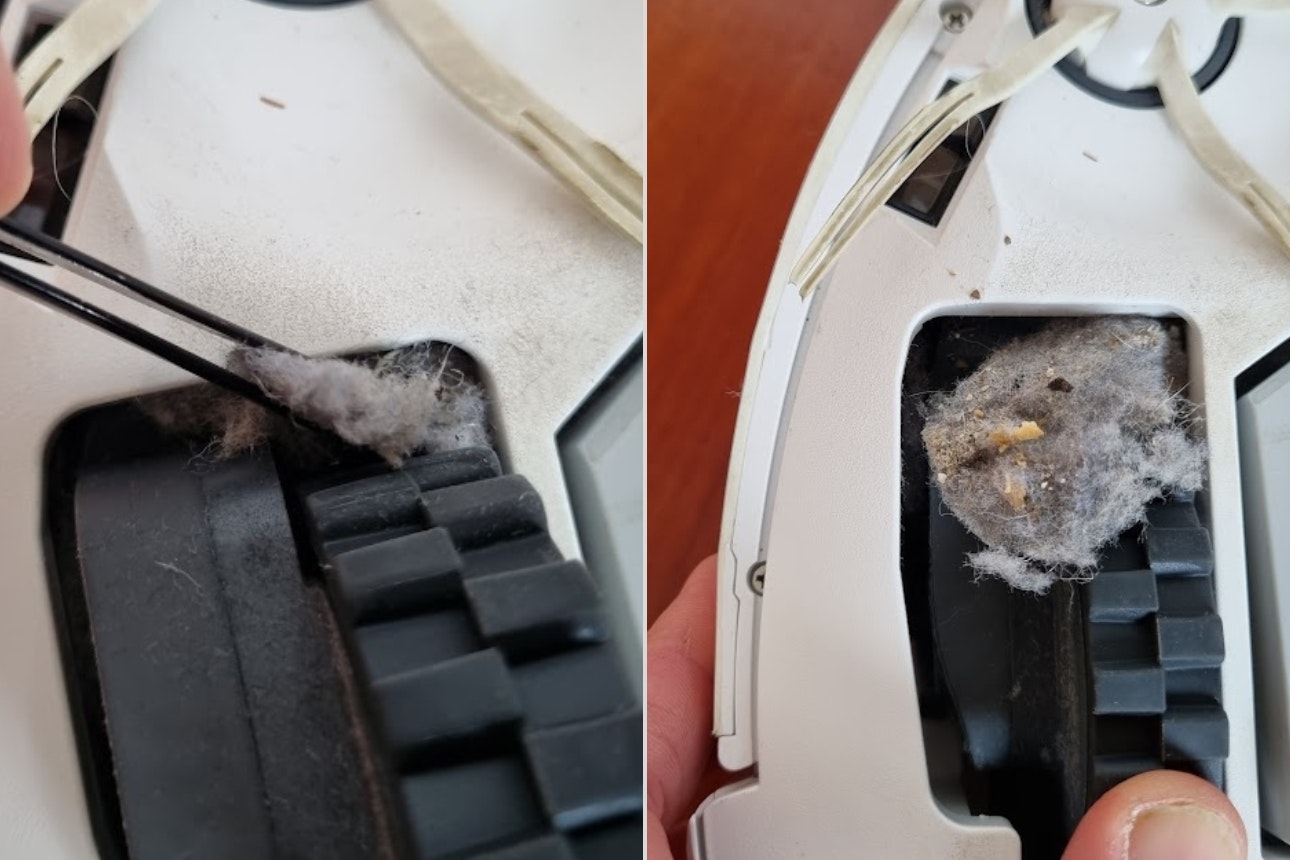
Fluff caught under wheel
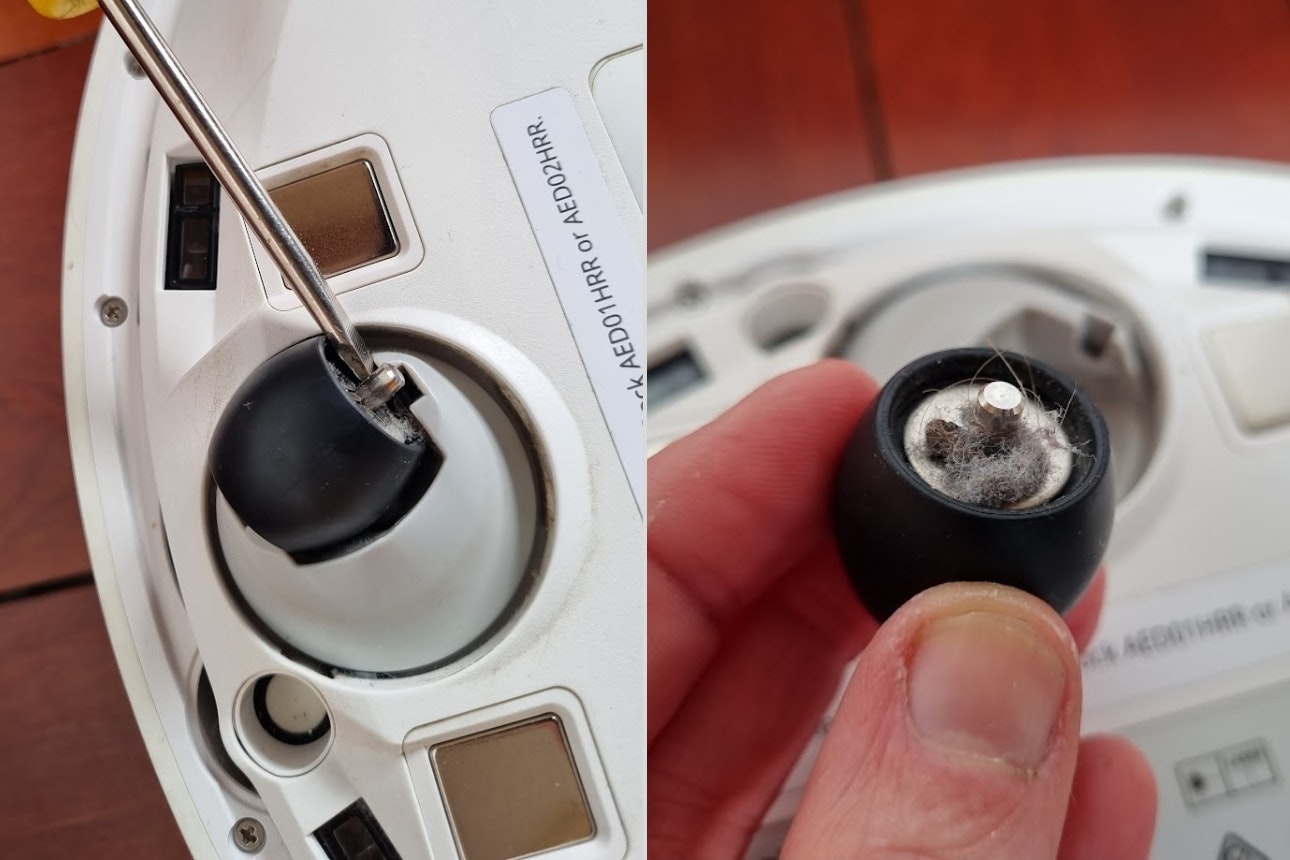
Removing front castor wheel
Sensors, charging contacts and cameras
Robot vacuums rely on a multitude of sensors to navigate the space they are cleaning – if they get dirty, you may notice erratic behaviour from your home helper. You might even find your bot leaps to its death down the stairs, if its edge-detect sensors are dirty!
Charging contacts also need to be kept clean or your battery won’t charge properly. There may also be sensors in the bin to detect if it’s full, so these will need a clean as well. If your model uses a camera for navigation, then give its window a dust.
For all these tasks, a simple wipe down with a clean dry cloth should suffice. Your app or user manual should show you the location of the sensors and contacts on your model, and how often they’ll need attending to. Roborock tell us to clean our bot’s sensors and charging contacts after approximately 30 hours of use, while iRobot recommends its bots’ sensors are cleaned every 2 weeks.
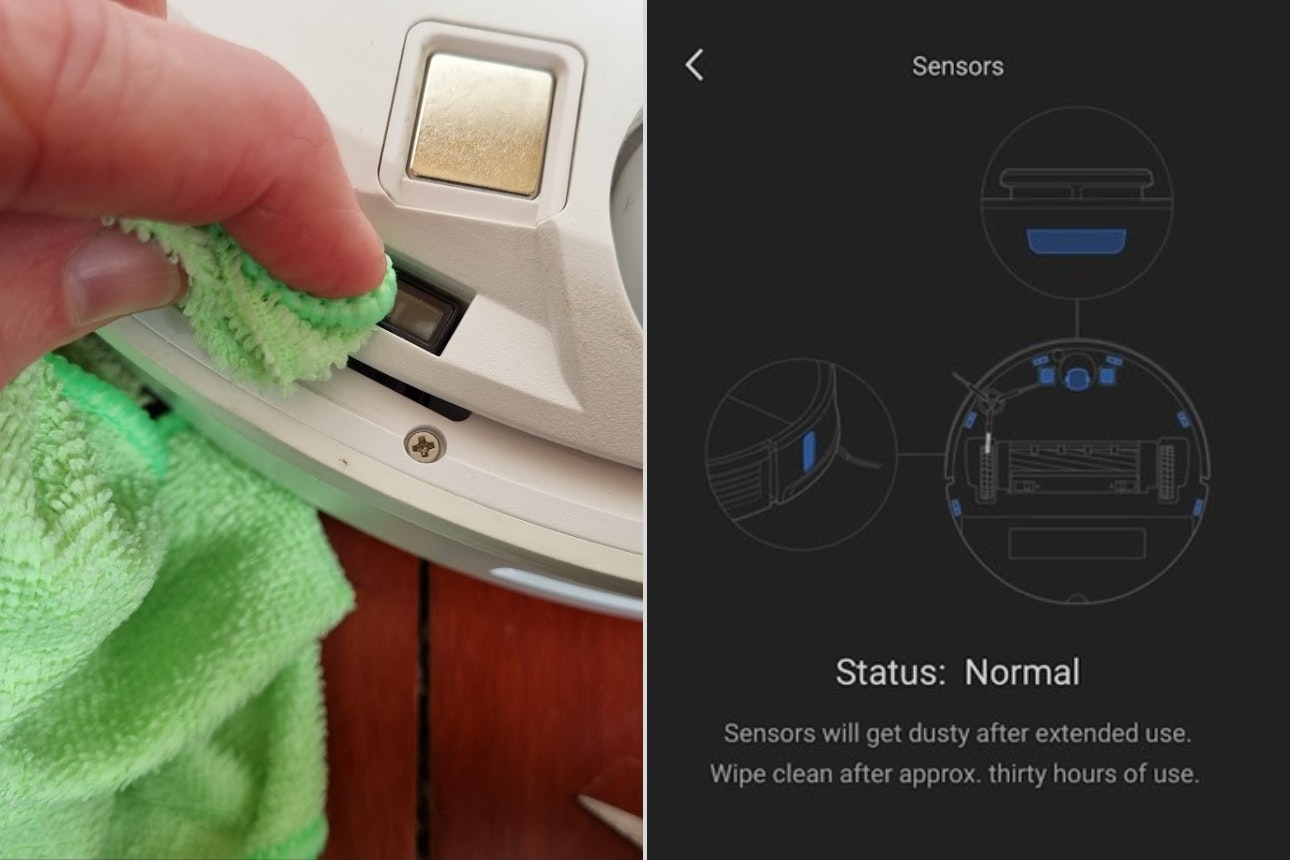
Left: Cleaning charging contacts / Right: Roborock s7 sensor location in app
Mop
If you have a hybrid mopping model, then you’ll need to regularly wash the mop pad(s). How often will depend how dirty your floors are, but at least once a week.
Some models, such as the Ecovacs Deebot T20 Omni, have a dock that automatically washes and dries the mop pads, but for others you’ll need to pop them into the washing machine. Having a spare pad is a good idea in this situation – some machines will come with spares, but for others, you’ll have to buy extra.
Make sure your bot’s water tank is topped up before sending it out on a mopping run. Pushing a dry mop pad around the house can cause excessive wear.
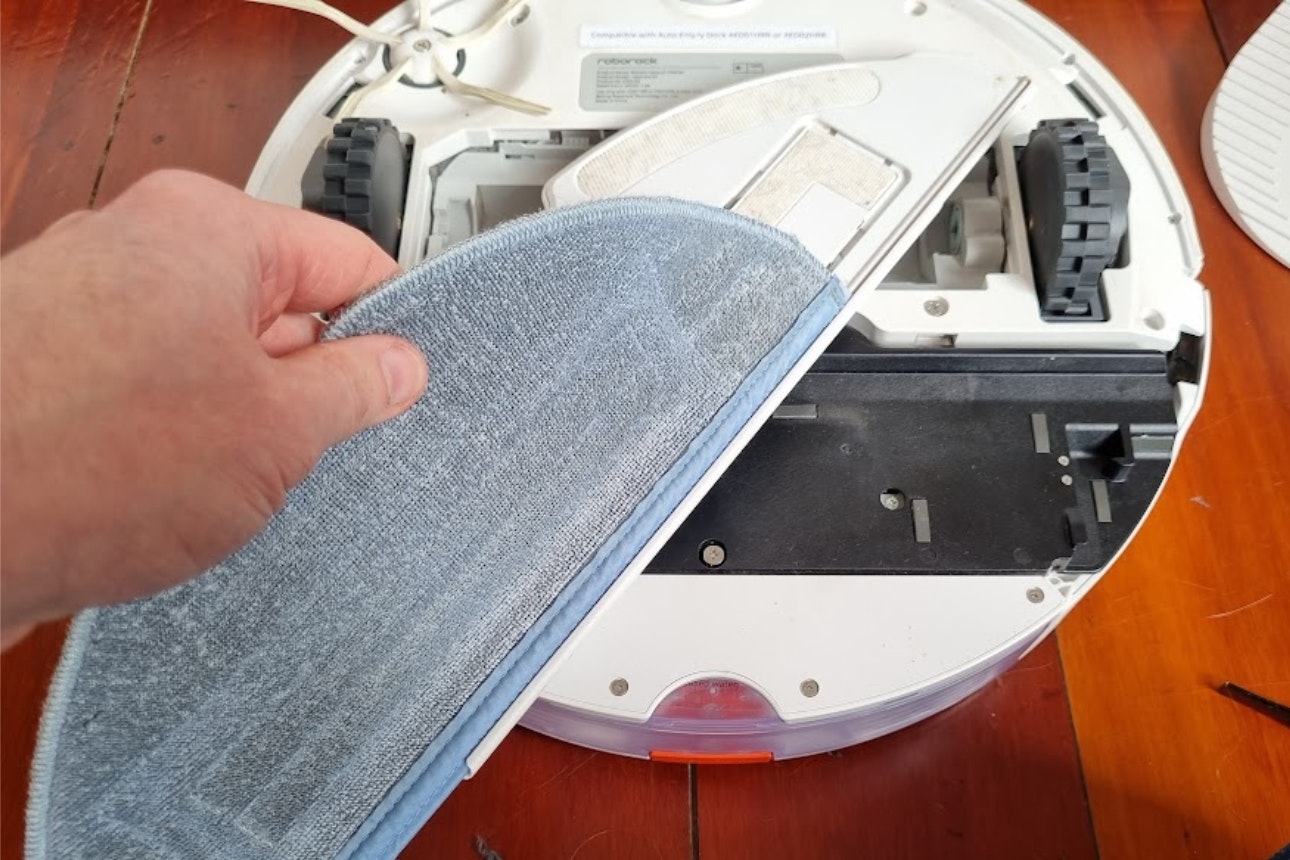
Removing mop pad for washing
Dock
Don’t forget about your dock! They also need a bit of TLC from time to time.
For bots with simple charging-only docks, the only maintenance needed is an occasional wipe down to remove any dust, paying particular attention to the charging contacts.
If you have an auto-empty dock, you’ll need to empty the bin as required (most models will notify you via their app), and if it’s a bagless bin, then give it a rinse out every few months. Dock filters also need regular cleaning.
If your dock has mop-washing functionality, you should regularly empty the dirty water tank and refill the clean one. It would also pay to give these tanks a proper clean and dry every few months, to prevent mould growth.
The ramp up into the dock can also get quite dirty, so dust it down regularly and check the dust-emptying ports are clear.
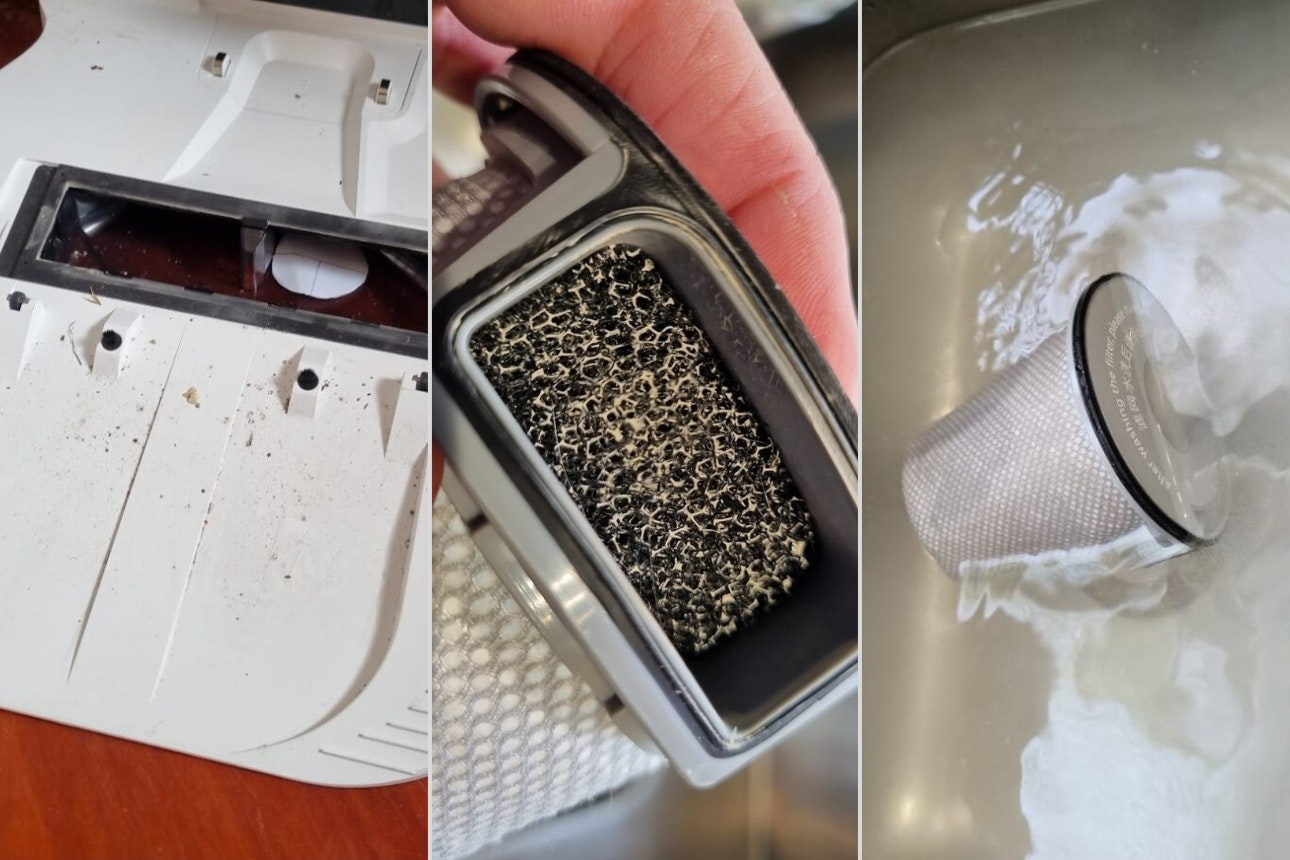
Left: Dirty dock / Middle: Dust in the filter / Right: Washing the dock filter